


 Log In

Free gifts available with your purchase
Your Symphony Awaits
A Four Section String-Stravaganza
When using Studio Strings, you can choose between instrumentation options that open up endless possibilities for sound crafting. The four included models, coupled with various articulations, give you an entire orchestra at your fingertips.

Bass
The Bass model is the largest and lowest-pitched bowed instrument in the Orchestra—the original sub-bass! Its tone will add a deep bottom-end to your string lines.
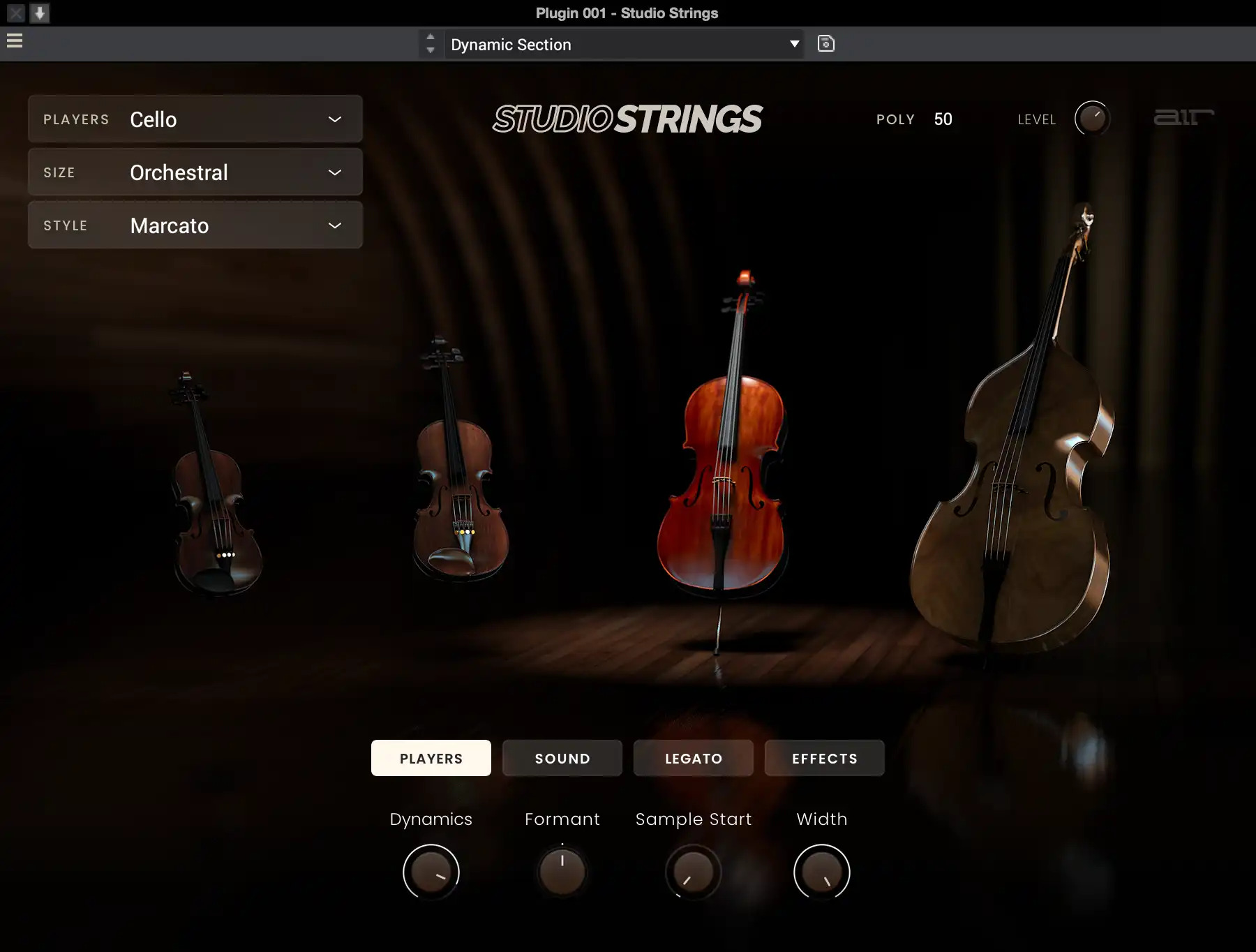
Cello
The Cello is part of the low end of the orchestra, but it has a slightly higher pitch range than the double bass instrument. Because of this higher pitch range, cellos are often heard in solo lead lines in orchestral arrangements thanks to the beautiful harmonics of their eminently recognizable tones.
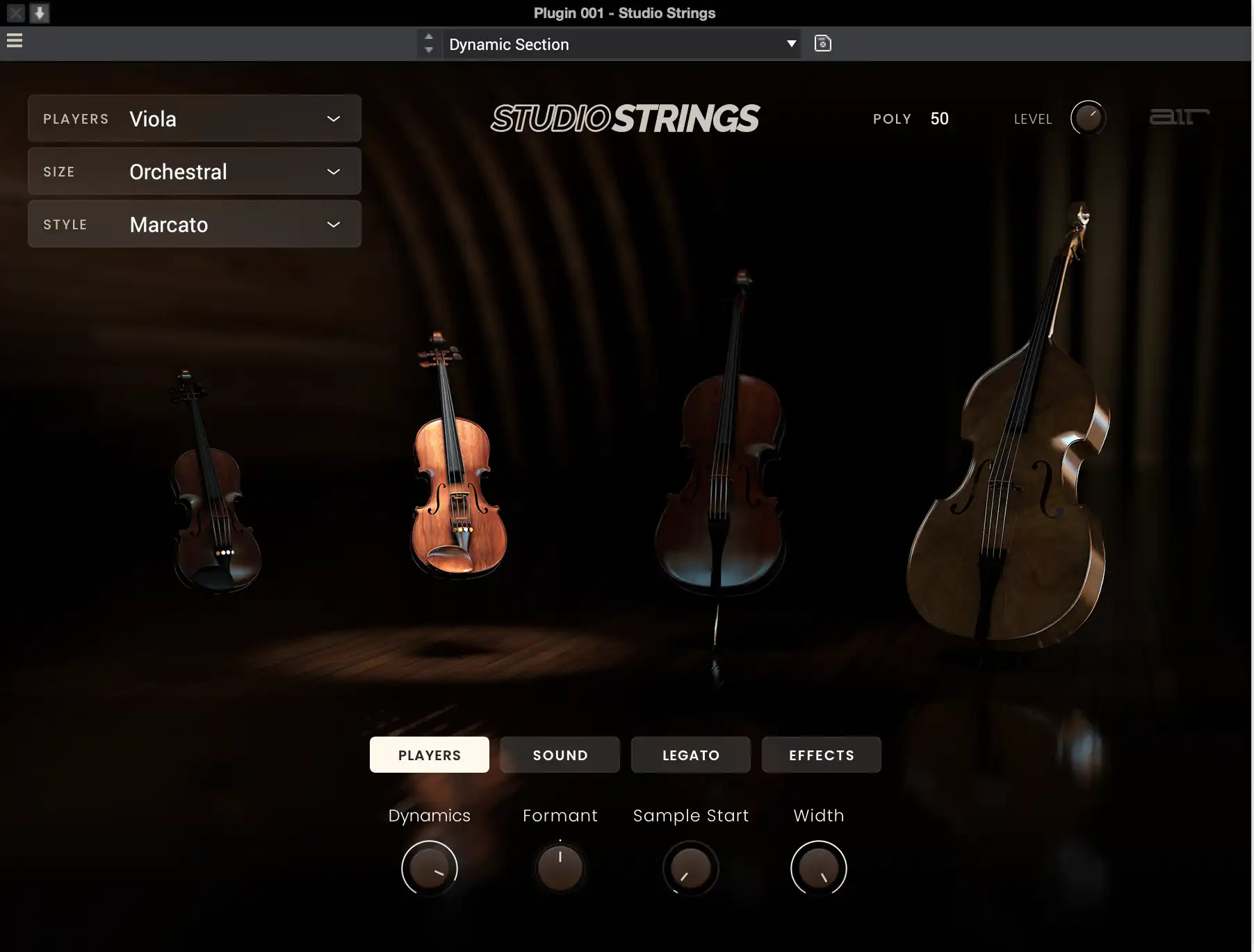
Viola
The Viola is a beautiful instrument that brings fullness to the Orchestra with an excellent mid-range pitch that sounds like a violin with added richness. The viola can often be mistaken for violin tones, but its deeper pitch and fullness give it a character all its own!
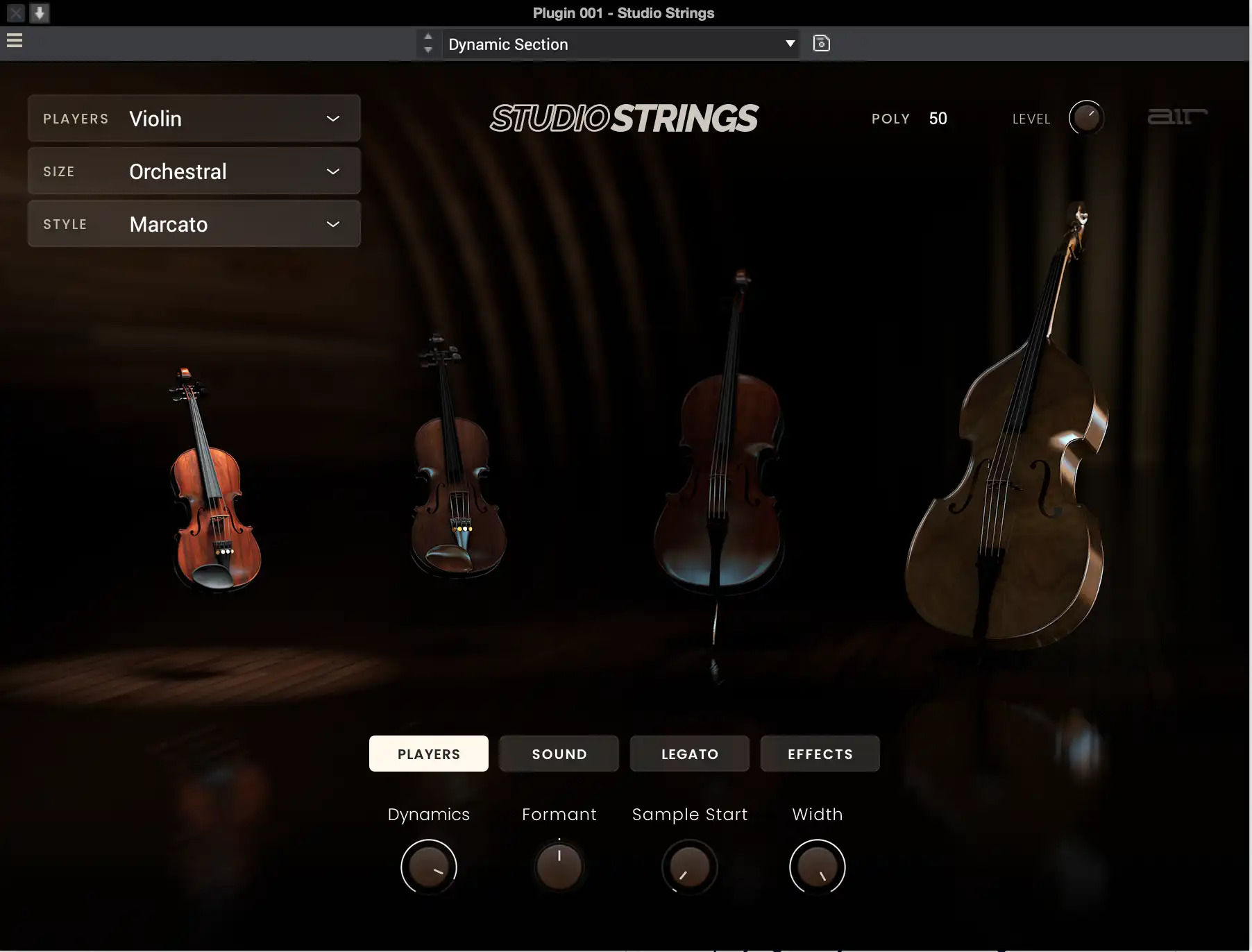
Violin
The Violin is the highest-pitched instrument in the string section. It's often heard as the main melodic instrument of the orchestra. Typically when you listen to strings, you think of the violin, and that’s because there are usually several sections of them playing in any classical arrangement!
The Ultimate Orchestra!
Studio Strings brings rich and elegant orchestral, chamber, and solo string sounds to your compatible VST, AU, AAX, or MPC Standalone host. You can create beautifully articulated masterpieces using its powerful and carefully-sampled sound library that offers over 1 GB of content and 100 presets. Whether you’re looking to develop custom orchestral hits for a boom-bap beat, build up a symphonic-style string arrangement, or add some solo violin lines to your track, Studio Strings lets you mold extraordinary string sounds for whatever genre you’re creating.
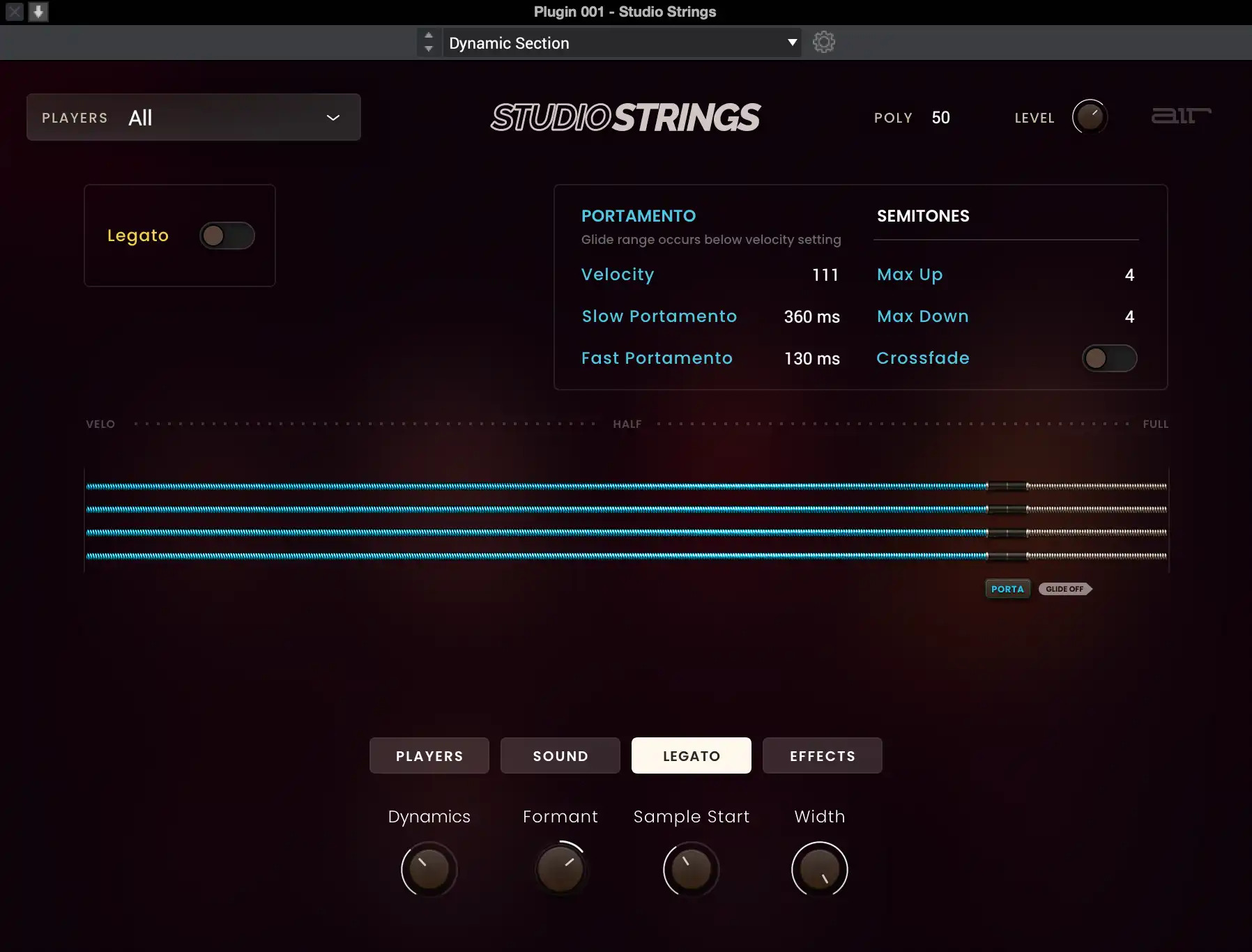
Articulate String Production
Studio Strings features authentic string instruments with advanced articulation options that let you craft the perfect string section and play style for your production. Multiple articulations are available per instrument, including Staccato Up/Down, Pizzicato, Sustain, Tremolo, Marcato, Legato, and more.
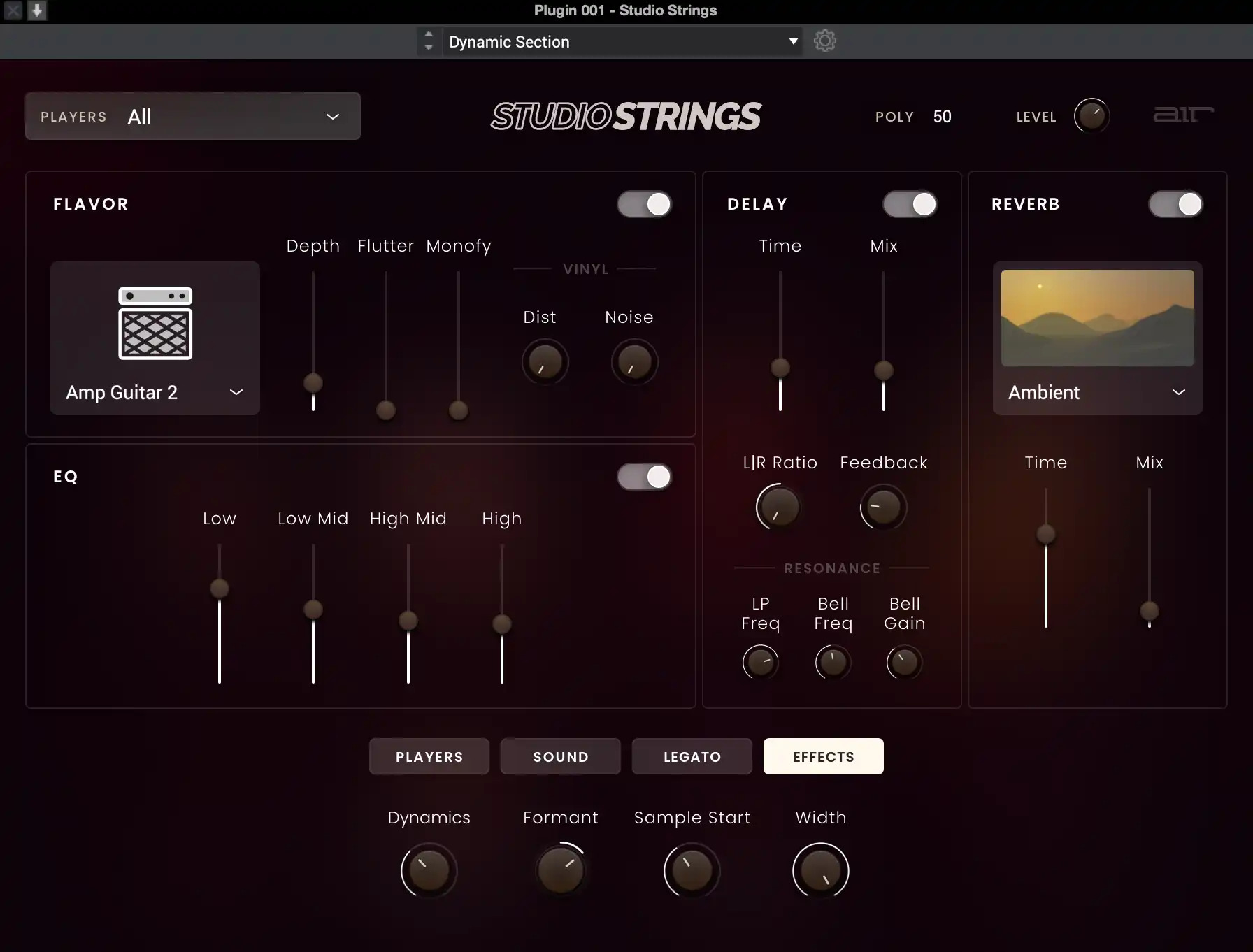
Color Your Orchestra with High-Quality Effects
Studio Strings lets you adjust everything from dynamics, envelopes, vibrato, aftertouch, and the speed and length of legato glides. Studio Strings also includes a powerful FX engine allowing you to modernize the sounds with effects like EQ, filter, reverb, and delay.
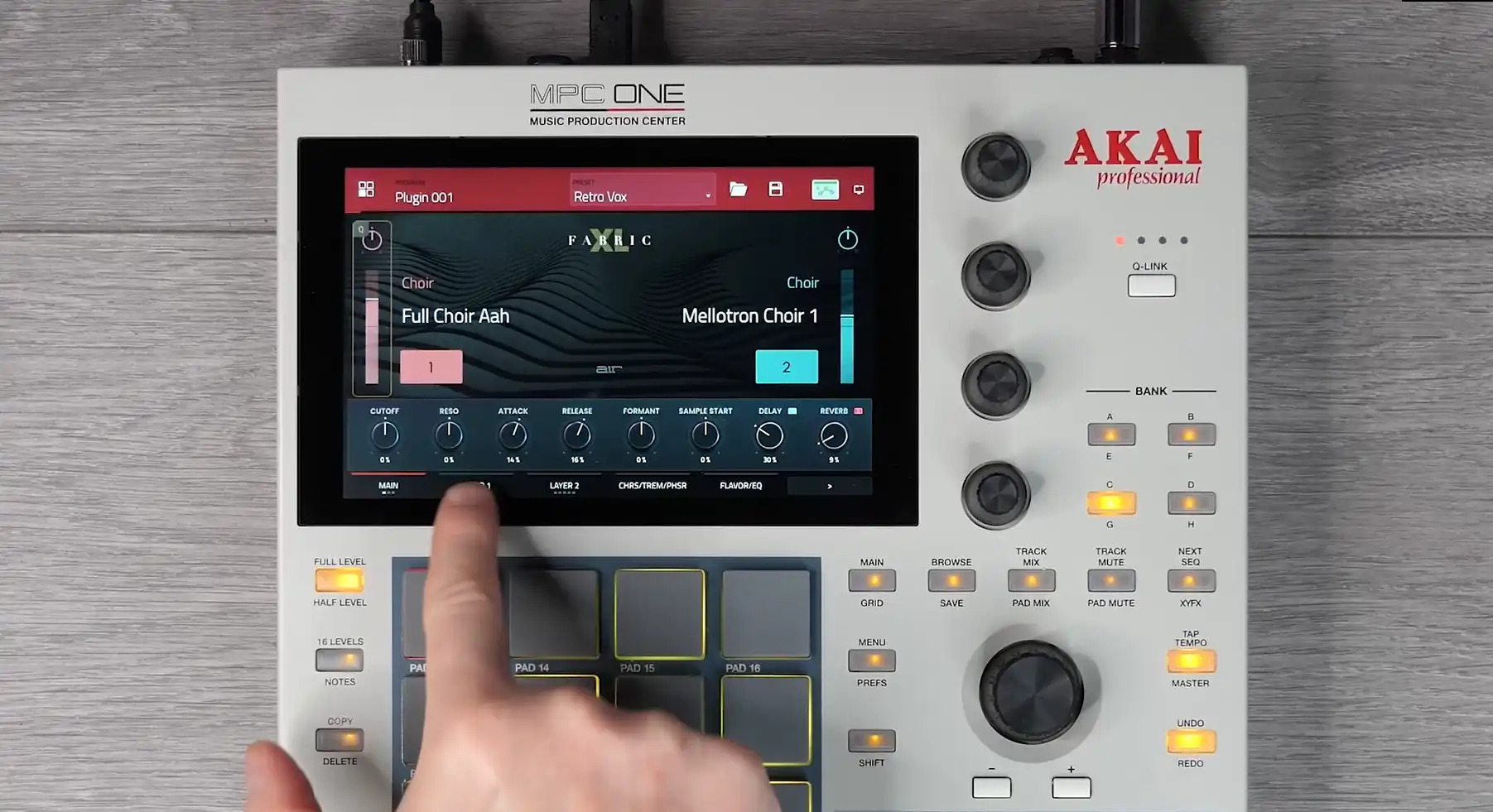
Unlock these sounds in Akai MPC/FORCE for FREE
Purchase this plugin and you’ll get the ability to unlock it within your Akai Professional MPC / FORCE Standalone hardware as well as using within your favorite DAW. Seamlessly move productions from standalone hardware to your DAW with the same great sounds.
Features
- Four orchestral stringed instruments: Bass, Cello, Viola, and Violin.
- Choose the string section size with options for a whole orchestra, a chamber set, or solo instruments.
- Nine instrument articulations are available, including Marcato, Staccato, Sustain, and more.
- Adjustable portamento and string bend range for more natural-sounding string performances.
- Craft your original string sound with 30 flavor timbre effects, plus delay, EQ, and reverb.
- Includes 100 presets that cover popular string sounds.
- Purchase unlocks plug-in on three devices including PC, MAC (VST, AU, AAX) and Standalone (MPC & FORCE)
System Requirements
Mac
- macOS 12, 13, 14, 15 (Intel & Apple Silicon)
- 2GB free disk space (20GB for all content)
- 4GB RAM (8GB recommended)
- Dual-core 2.5GHz CPU
- VST 2/3 Plugin compatible host
- AAX plugin compatible host
- AU plugin compatible host
Windows
- Windows 10 - Windows 11
- 2GB free disk space (20GB for all content recommended)
- 4GB RAM (8GB recommended)
- Dual-core 2.5GHz CPU
- VST 2/3 compatible host
- AAX plugin compatible host
Important notes:
- An internet connection is required to authorise this software.

















Reviews Summary
While it aims to provide a helpful overview, it may not capture every perspective or detail. We encourage you to read individual reviews to make an informed decision.
Users generally praise this plugin for its clean, high-quality string sounds, user-friendly interface, great presets, and enjoyable workflow. While overwhelmingly positive and recommended for ease of use and effective sound shaping, one reviewer noted that the sound library is somewhat limited.


