Log In

Free gifts available with your purchase
MD3 NATIVE MULTIBAND DYNAMICS
EQ, 3-band Compressor/Expander and True-Peak Limiter
A Modern Classic
Originally launched in 1999 and available in Music, Mastering, Broadcast and Film variants, TC Electronic's Flagship System 6000 processor is recognized as an industry standard for mix, mastering and post-production applications. You will find System 6000 in literally thousands of world-leading recording, film, post and mastering studios all over the world, and in quite a few OB vans and broadcast production studios as well. The platform has won no less than three of the prestigious TEC Awards over the years: in 2000 for the original System 6000, in 2005 for Mastering 6000 and in 2010 for System 6000 MKII. No longer the preserve of the recording elite, these native DAW plugins will deliver all of the performance of the iconic original unit combined with modern day convenience.
A Legend Re-imagined
TC Electronic set about re-imagining the legendary System 6000 as native DAW Plug-ins without sacrificing any performance, character or useability. The Danish engineers, including many from the original System 6000 team, refined audio quality whilst staying faithful to the original hardware version. The development team fastidiously re-engineered these new native plug-ins to offer full support for standard DAW automation and project recall with new optimized user interface ergonomics.
Iconic Features
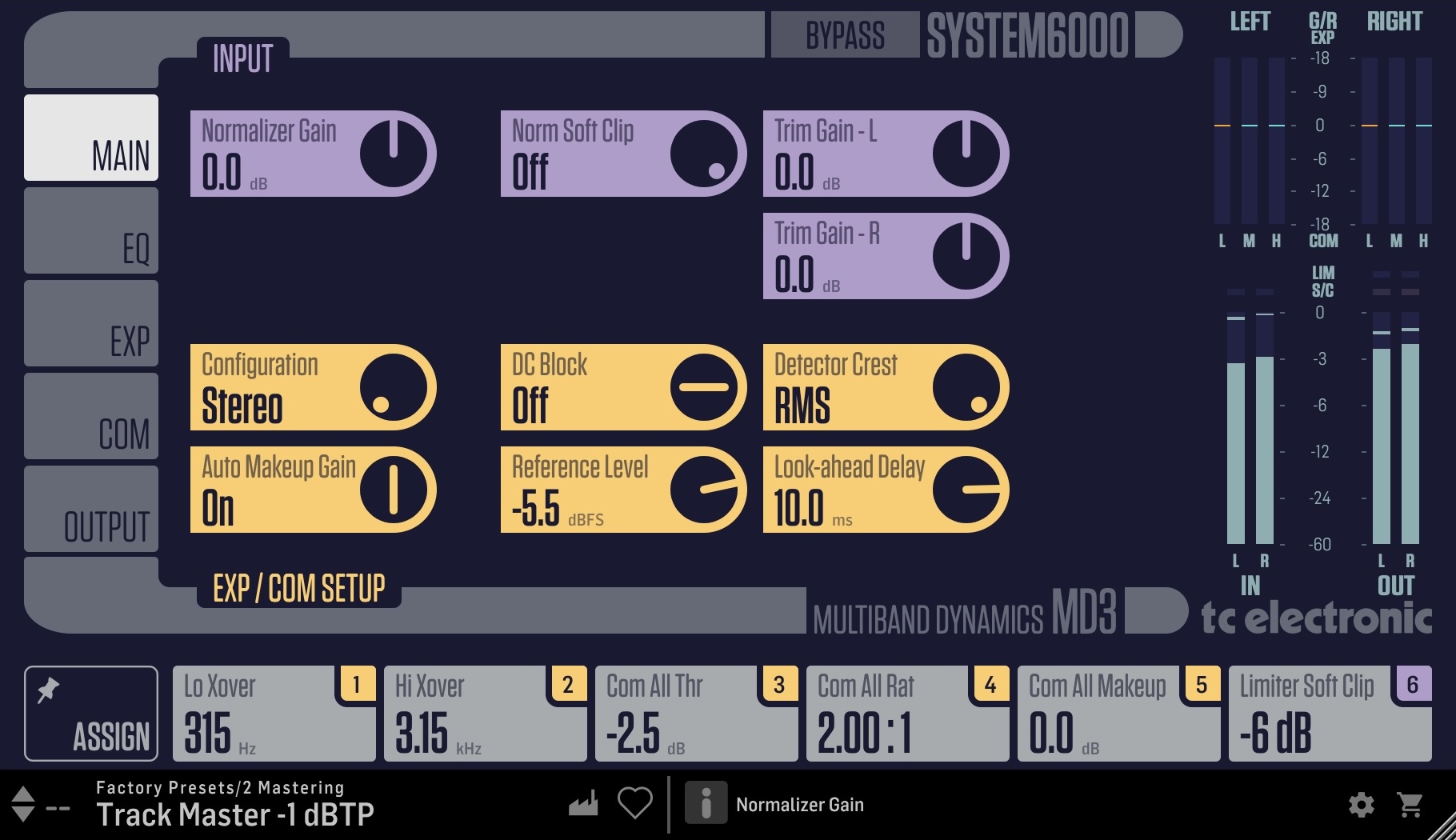
The MD3 algorithm is a refinement of our legendary MD2 dynamics algorithm from the award-winning M5000 effects processor. The MD3 NATIVE plug-in is tailormade for music production in all forms. It uses a multi-band, high-resolution floating-point structure and features high-definition 4-band EQ, 3-band compressor/expander, soft clipping and newly designed transparent peak/true-peak limiter.
Not All Equalizers Are Made Equal
The MD3 NATIVE parametric equalizer features a natural and well-defined band-width behavior at all gain and width settings making it suitable for surgical as well as broad spectral adjustments. MD3 features four bands switchable between Notch, Parametric, Shelving and Cut Filters.
Look Ahead
MD3 NATIVE is known for its musical and dynamic behavior. The multi-band section features full dynamics control of each of the 3 bands, with or without automatic makeup gain and with ability to choose compression of RMS, Peak or anything in between. Further, it gives you the advantage of adjustable look-ahead delay for gentle processing of transients, while the limiter lets you use its own overshoot proof micro-delay to prevent output samples above the either peak or True-Peak defined threshold.
Flexible Use
MD3 NATIVE operates in stereo and true mid/side processing with rare artifact-free split and recombination crossover filter banks and includes EQ unlinking. MD3 NATIVE is the perfect tool for use for a wide variety of content material, ideal for single sources, buses and master mixes.
Features
- Four band Parametric EQ (Dual Mono capability)
- Normalizer with softclipper
- Full featured Three band Exp/Comp
- MS Encode/Decode for operating EQ and Exp/Comp in Mid/Side mode
- Updated True-Peak BrickWall Limiter with legacy sample peak option
System Requirements
Operating systems
- macOS 10.14 (Mojave) through 15.x (Sequoia), Intel and Mx hardware
- Windows 7 or above
Plugin formats (64bit)
- AAX-native
- Audio Units
- VST3
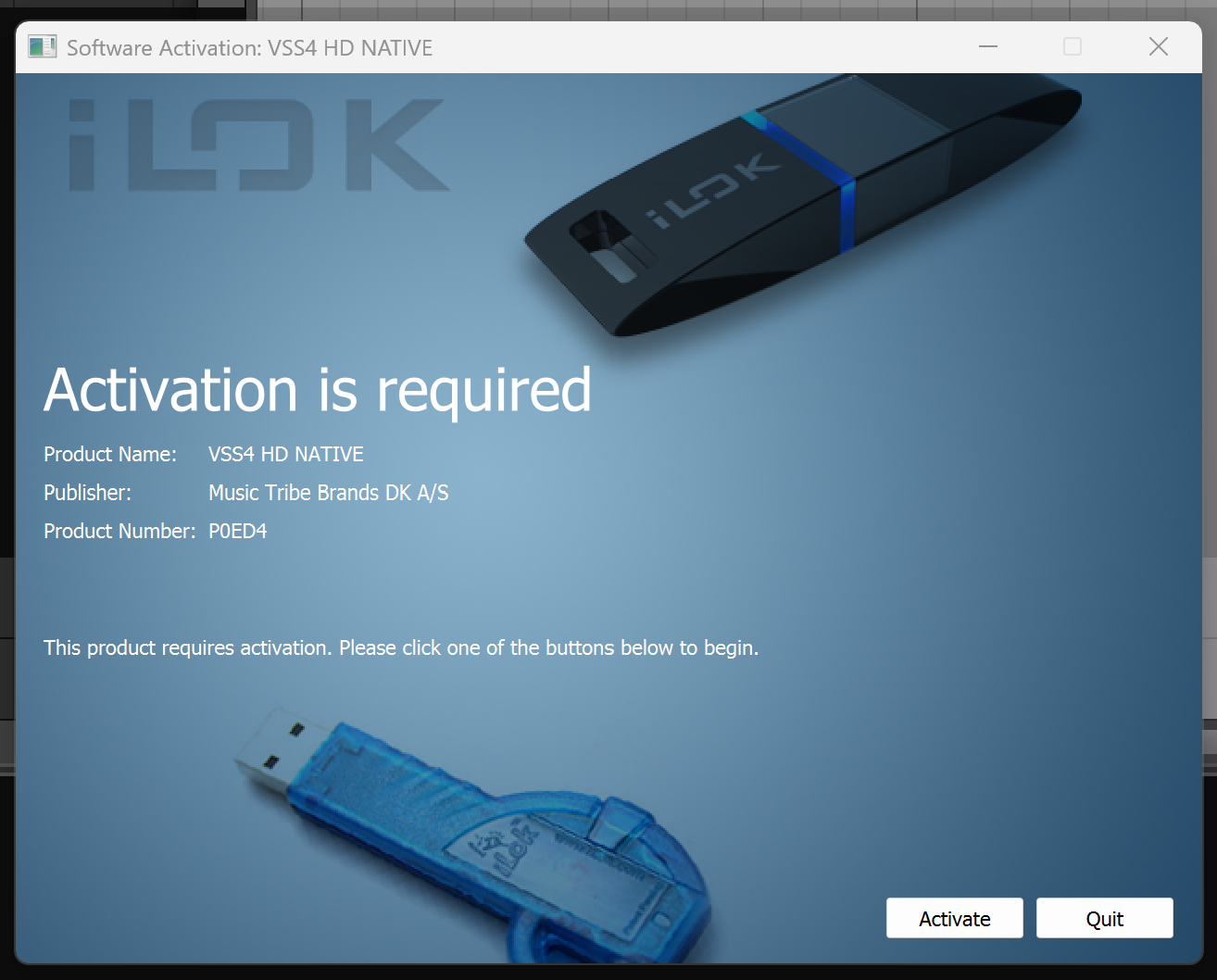
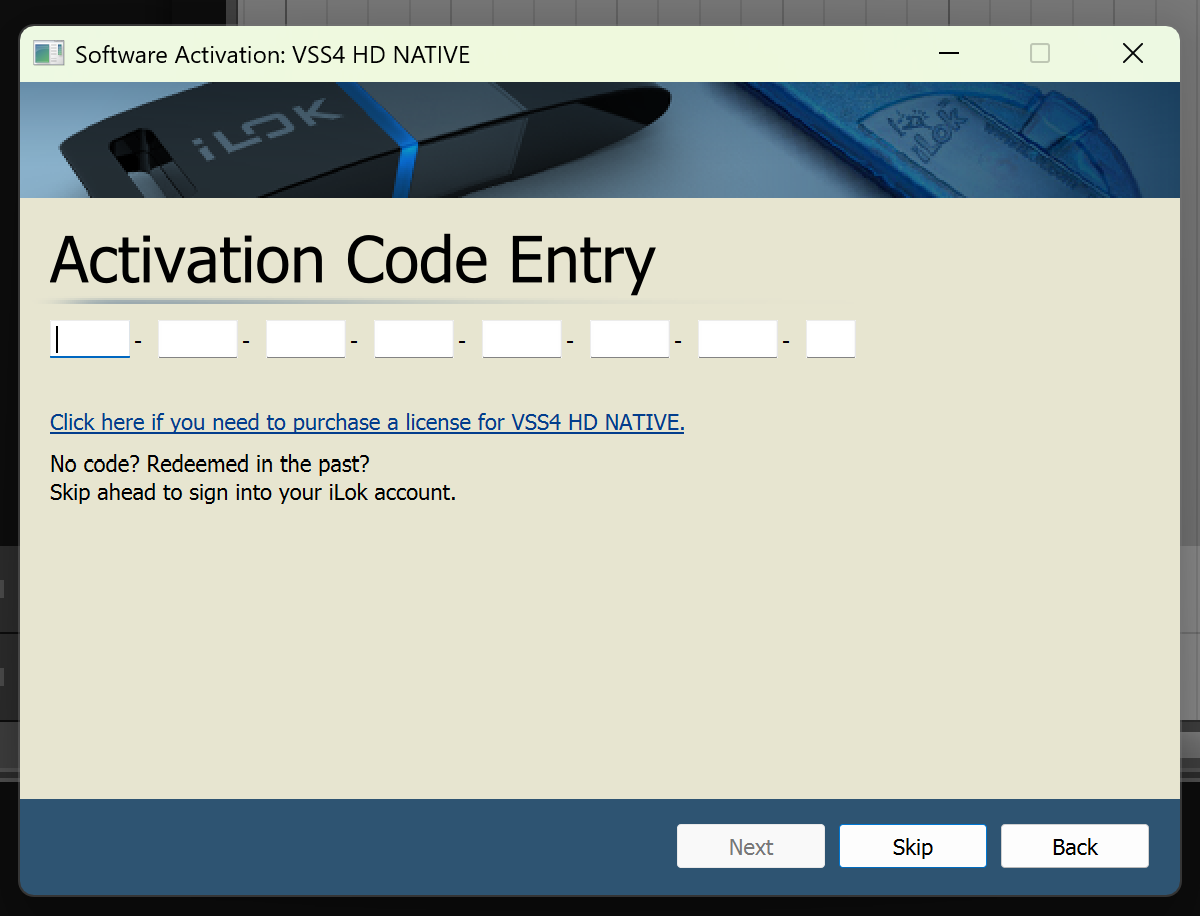
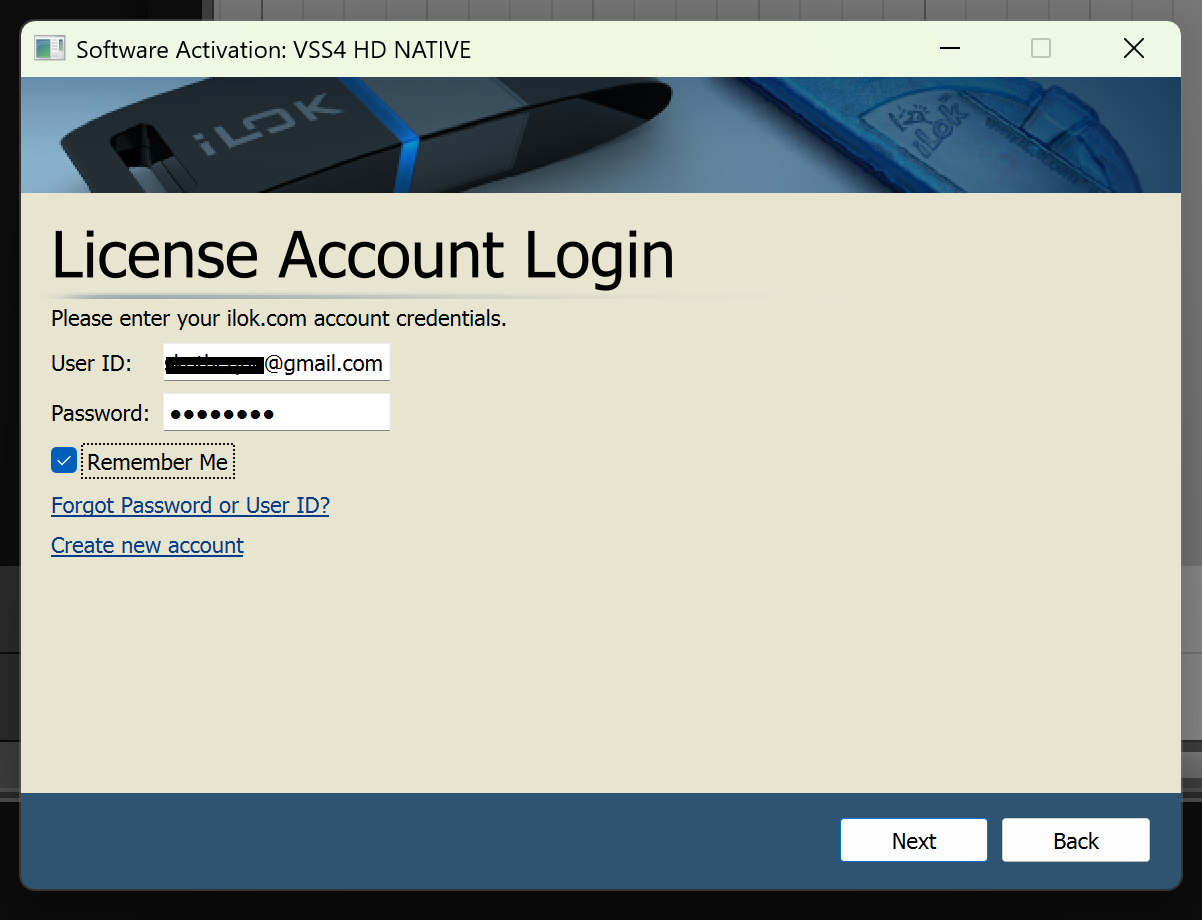
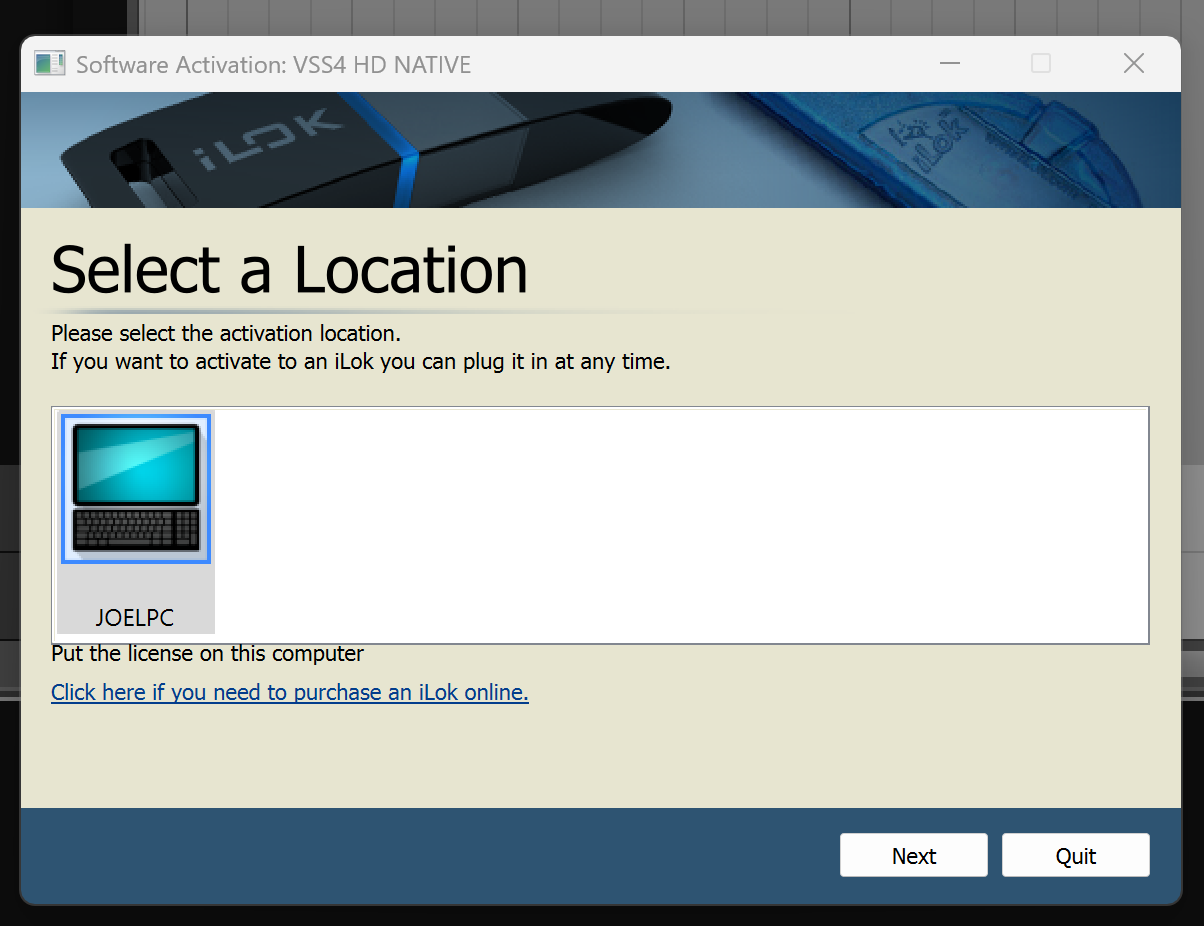
Important Note: No iLok dongle is required to run this software - only a FREE iLok account/Manager is required for authorisation.