


 Log In
Product information
Amplifikation Lite allows you to create ultra-realistic sounding guitar sounds simply by plugging your guitar into your computer’s soundcard input. Get high-quality guitar tracks with a simple interface and non-obstructive workflow using Amplifikation Lite. Amplifikation Lite’s DSP engine is based on one of the amps featured in Kuassa Amplifikation One with a fixed tonestack and power amp output type.
Features
- FREE!
- 3 channels: Clean, Rhythm, Lead
- 9 Parameters: Input, Channel selector, Gain, Bass, Middle, Treble, Presence, Volume and Cabinet On/Off
- Built-in Cabinet Impulse Response Loader
- Supports sample rates of up to 96 kHz
System Requirements
- Windows XP, Vista, 7, or Later (32/64-bit)
- Mac OS 10.5 or later (32/64-bit)
- VST or AU compatible Host Software
Please Note: This product is a plugin, a VST/AU compatible host/sequencer is needed to run this software
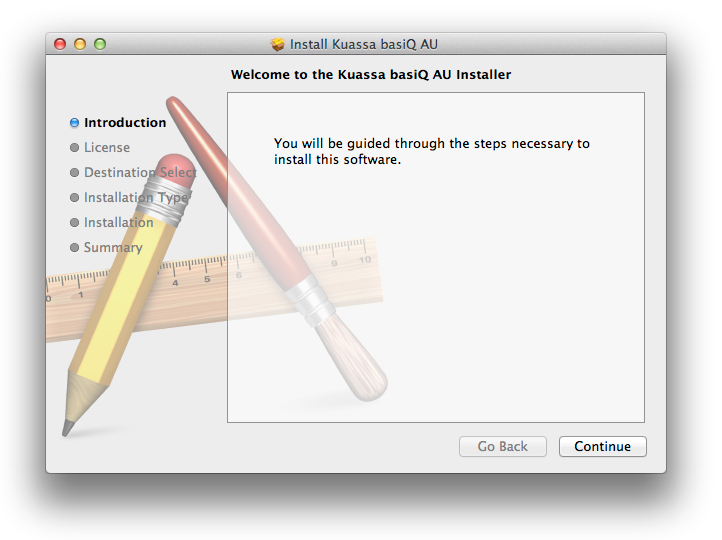
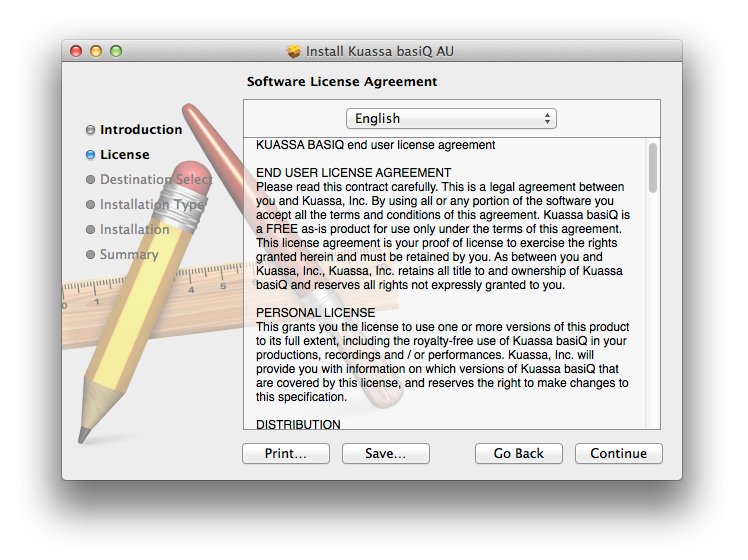
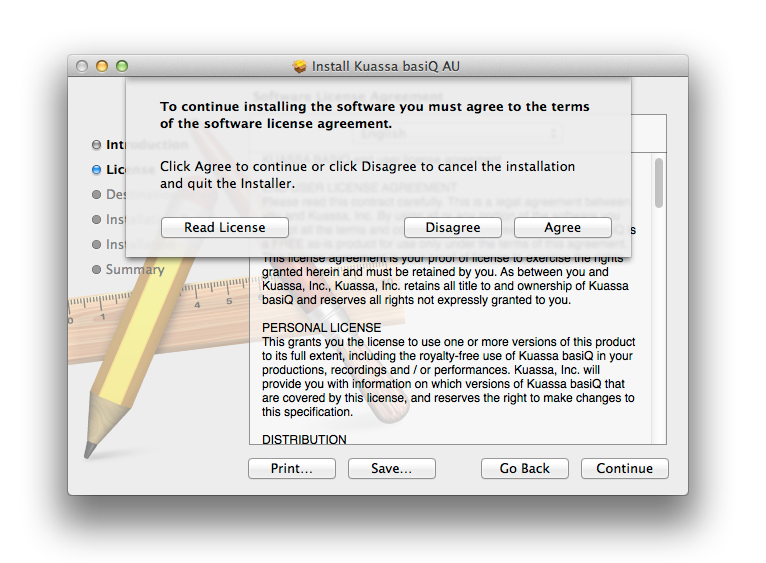
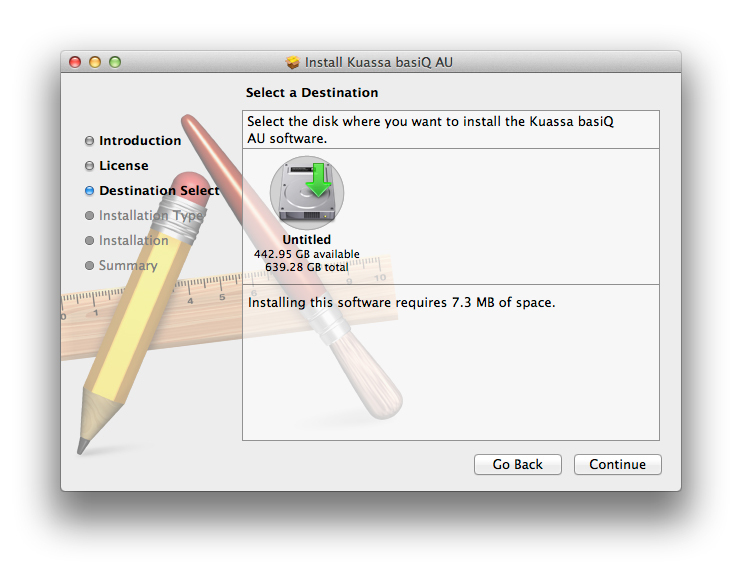
Installation Instructions
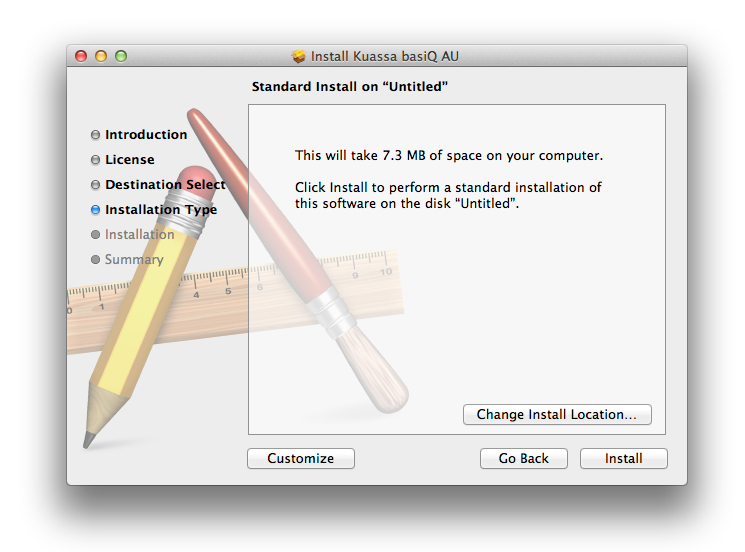
Customer Reviews
(4)


