


 Log In

Free gifts available with your purchase
Note: This is an Upgrade for owners of at least one of the following W.A Production plugins that are inclusive in this Mixing Bundle:
The full version of W.A Production Mixing Bundle is also available HERE for customers who do not own any of the 5 x products in the list below.
Introducing the W.A Production Mixing Bundle, featuring a unique selection of W.A's best mixing software in one complete package. With a total of 5 plugins, this comprehensive package includes a dynamic processor, compressor, transient designer, saturator and stereo imager to cover each fundamental stage of your next mixdown.
The Mixing Bundle includes:
Mutant Reverb
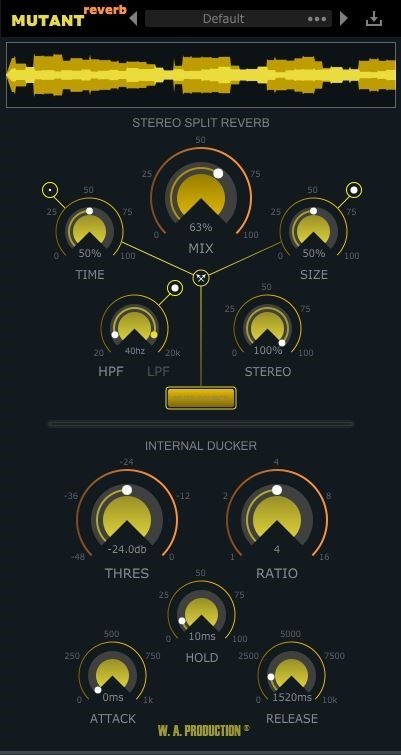
'Mutant Reverb’ is a mono-to-stereo reverb plugin with a built-in ducker; perfect for vocals, percussion, synths and many other applications where you need precise control of reverb tails. Adding reverb to sounds gives warmth, character and places the sound in a real-world space. However, big problems arise when a reverb tail masks the clarity of the original signal, resulting in a muddy and undefined sound. Mutant Reverb is the solution, in just a couple of clicks, you can duck the reverb processing out of the way of the original audio without any complicated side-chain or compression routing. Just plug and play.
Features
- Clean sounding algorithmic reverb
- Built-in internal ducker with compressor-style controls
- Many presets for a wide range of reverb parameters
- Click free bypass control
- Time, Size and Frequency filter dials
- Advanced controls for Pre-Delay, Diffusion & Dampening
- Real-time waveform display
- Full PDF Manual & Tutorial video
Learn more about Mutant Reverb.
Pumper 3
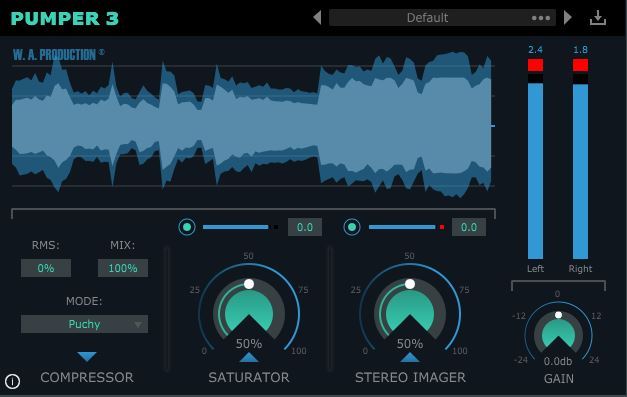
W.A have done it again… after the release of “Pumper” they wanted to step up their game and give you even more control over the punch and power of your sounds. The sequel, Pumper 2, has been long in development as their team toiled away to retain the stellar performance parameters of the original plugin whilst adding new features. The end result is a multi-effect powerhouse that achieves the level of immediacy, body and depth that their fans expect and their tracks deserve.
This is their most requested update ever and builds on the Compressor, Saturator and Stereo Imager modules of the original whilst adding more controls to fine tune the processing.
Features
- 50 Creative Presets for drums, vocals, synth, bass, acoustic, keys and mastering
- 4 Compression types with adjustable RMS
- One-click parallel compression
- Hard & soft clip saturation with transient and character controls
- Stereo Imager with frequency focus
- Per-module and master gain controls
- Real-time waveform display
- Full PDF Manual & Tutorial video
Learn more about Pumper 3.
The King 2
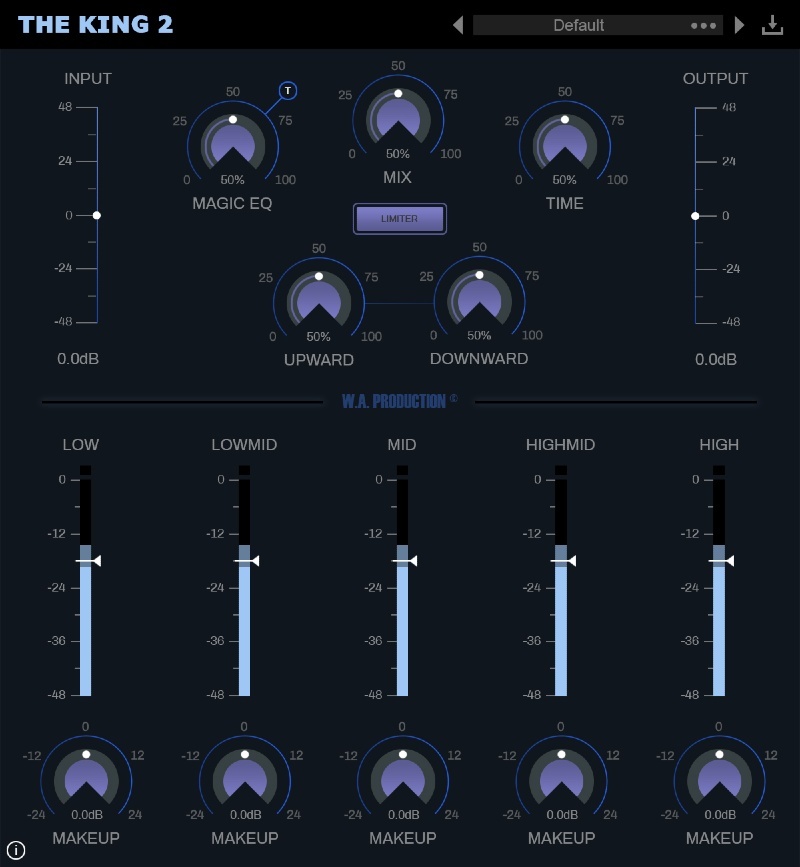
The King is a dynamically enhanced multi-band compression plug-in designed for mastering. W.A Production went above and beyond and rather than give you the standard 3 band EQ, they put 5 EQ controls at your fingertips.
Features
- 5 Band Threshold knobs
- 5 Band Make-Up Gain knobs
- Input/ Output Gain
- Upward Compression Knob, Downward Compression Knob
- Release Time knob
- Overall Plug-In Mix knob
- Magic EQ with 3 different Shapes/ Curves and a built-in Limiter!
New Features in version 2.0.0
- New GUI
- Presets manager
- Catalina compatible
- Pro Tools / AAX compatible
- Minor Bug Fixes
Learn more about The King 2.
Helper Saturator
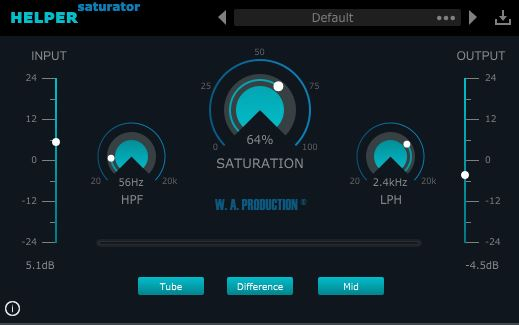
Helper Saturator is an audio effect VST plugin professionally designed to apply saturation to the audio signal. Helper Saturator is not just a simple saturation plug-in, it also comes with 2 filter features, 2 types of saturation modules and ability to be able to process 5 different types of audio signal.
Features
- Tube distortion
- Tape distortion
- Low Pass and High Pass filters to get creative
Learn more about Helper Saturator.
Helper Transients
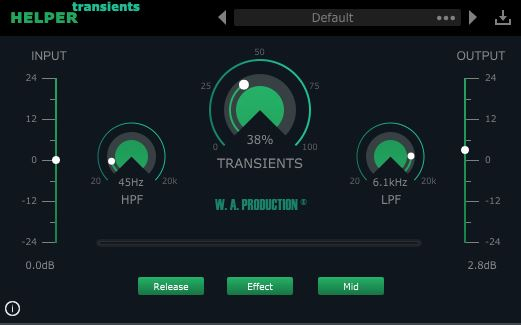
Helper Transients is much more than an ordinary transient shaper plug-in because it can process 5 different kinds of audio signal from the audio source itself. This means that the user can set it to affect only the original audio source, the mid, the side, the left or the right of the audio source. This brings up a new realm of possibilities.
Features
- Clean transient processing
- Low Pass and High Pass filters to clean up the sound
Learn more about Helper Transients.
System Requirements
- Windows 8 or later (32 / 64-bit)
- macOS 10.13 and later (64-bit only)
Please Note: Pro Tools 11 or higher is required in order to use the AAX versions of these plugins.
Important Note for Mac Apple Silicon users: Before purchasing, please review the current compatibility status of this plugin on your system here.


