Log In

Free gifts available with your purchase
Here Comes the Dark Age
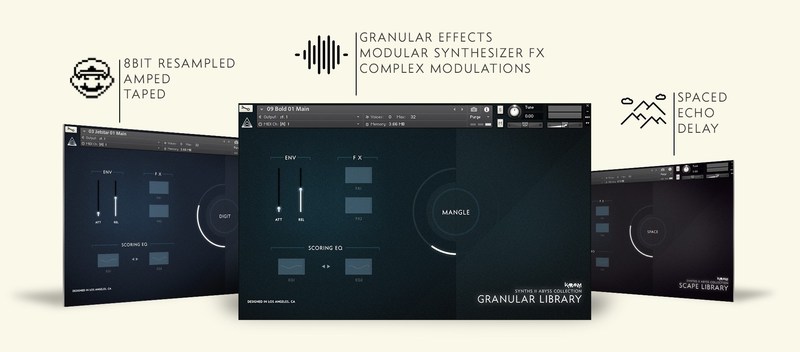
ABYSS is a designer bass collection focusing on deep and atonal sounds created with classic and modern analog synthesizers to produce rumbling soundscapes, dystopian pads and characteristic drones with real low-end and depth. With a lot of instrument presets and the updated Synths Engine 2.0 you get great flexibility and sound design possibilities for your next film score, videogame, ambient or any other music production.
Features
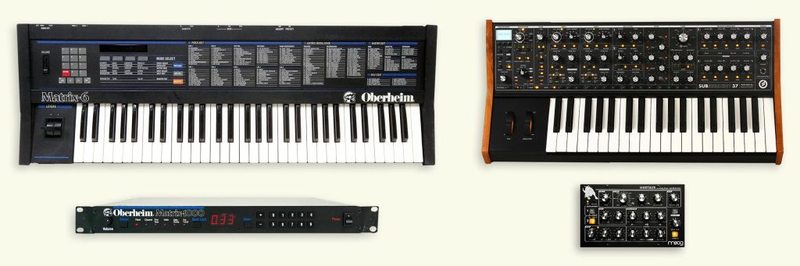
4 Analog Synth Sources
Cooking only from the finest ingredients: ABYSS includes high-quality patch samplings from 4 great classic and modern synthesizers from Oberheim and Moog. Bring 4 unique taste of bass for your next track!
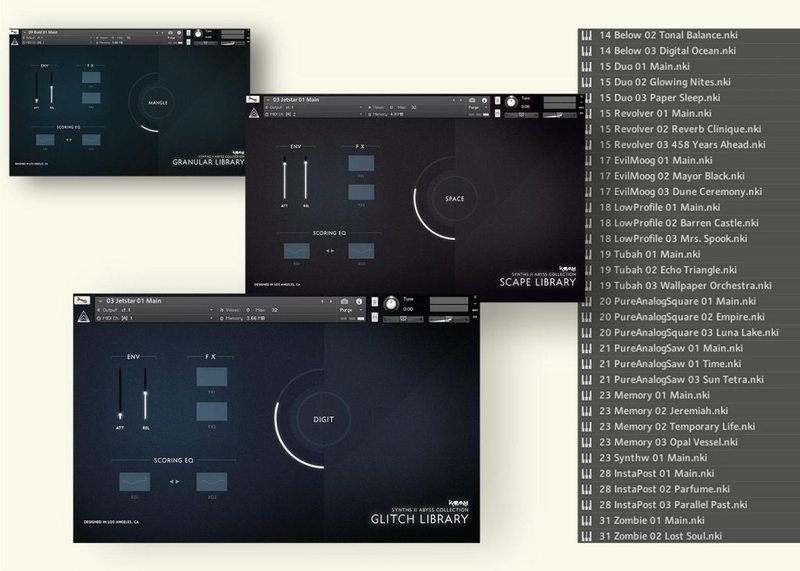
190 Instrument Presets...
With ABYSS you get an exciting collection of designer bass presets from pure analog patches to distorted, glitched, resampled, granularized, stretched, reverbed, atonal presets recorded with a wide range of effect processors and hardware units.
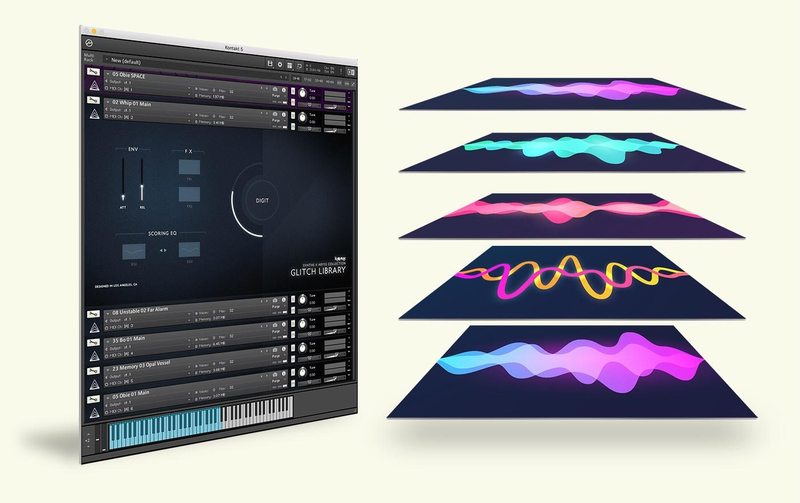
...and 40 Multis
Get even bigger and wider sounds with multi instruments! Blockbuster drones, cinematic soundscapes… Get started with pre-designed multis or start creating your own multi-layered weapon set.
GUI Features
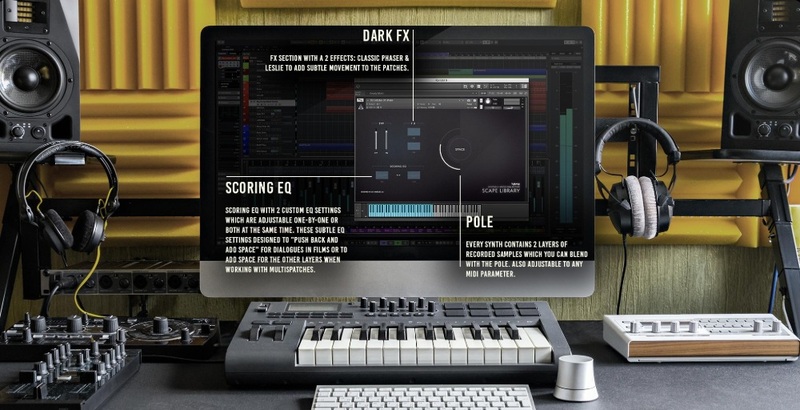
List of Instruments
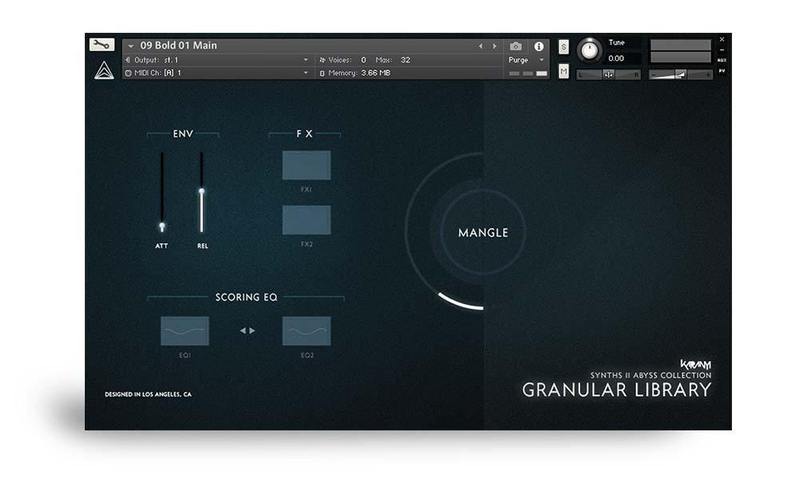
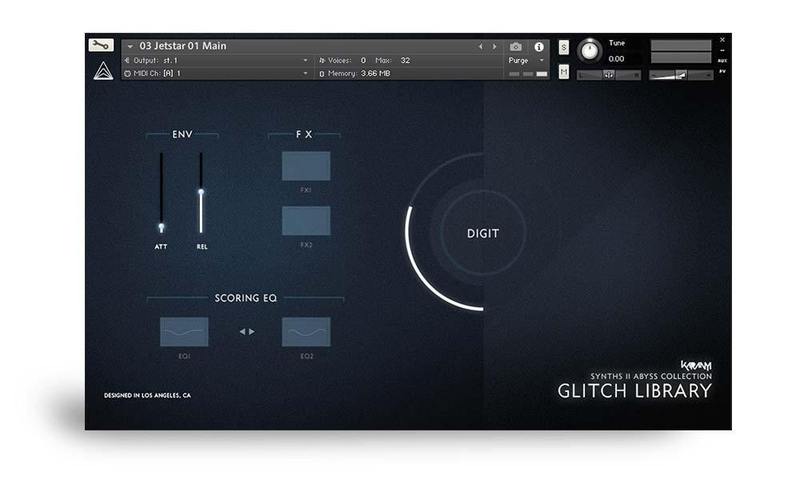
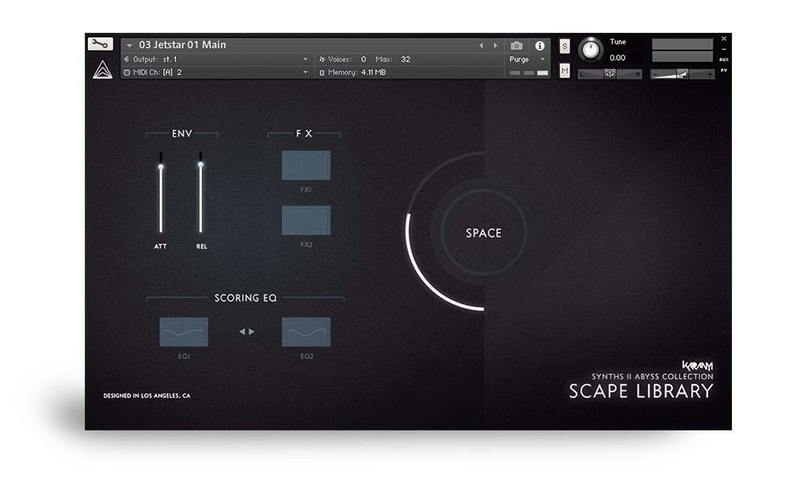
Deep sampled, analog bass synth patches combined with tonal & atonal soundscapes using various granular sound design tools:
- Moog Minitaur / Sub37, Oberheim Matrix 1000 / 6
- 90 Kontakt patches
- 3-4 octaves (low register)
- Neve 88RS + Empirical Labs EL7 used for recording path
- Eventide, Crusher X granular effect processors
- 2 layers / patch (original & effected)
Granular Library
Glitch Library
Scape Library
Multi Instruments
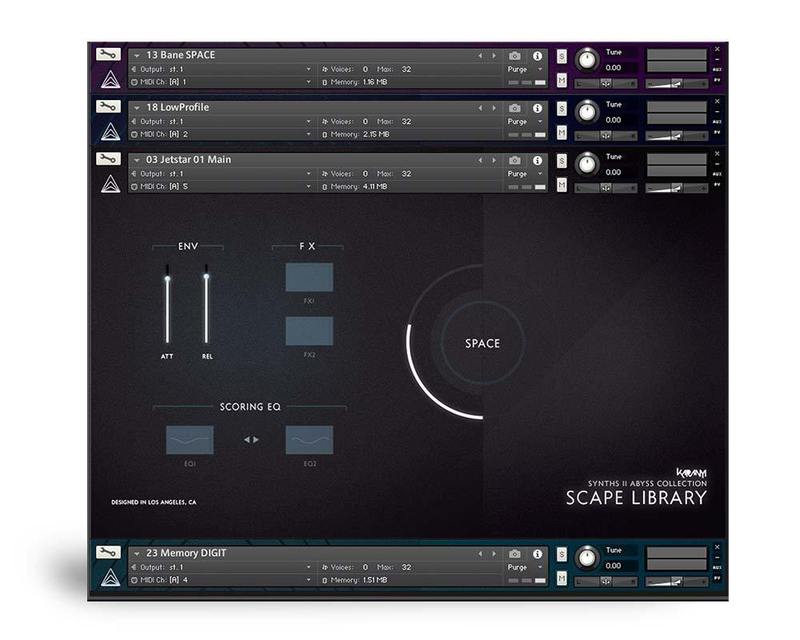
60+ multis using various patches from Scape, Glitch & Granular Libraries combined together to create more complex soundscapes & drones.
Single Waveform Layers
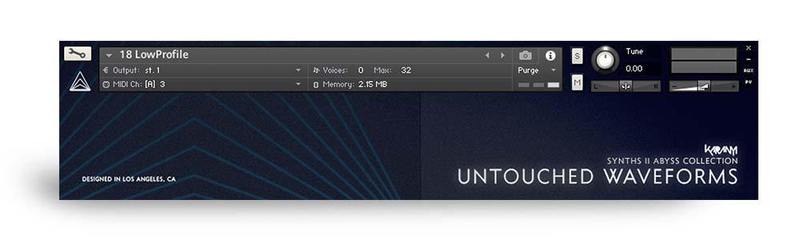
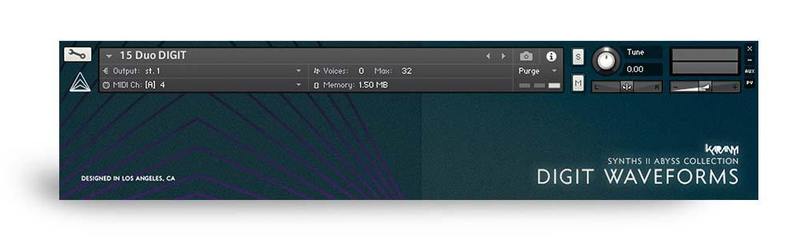
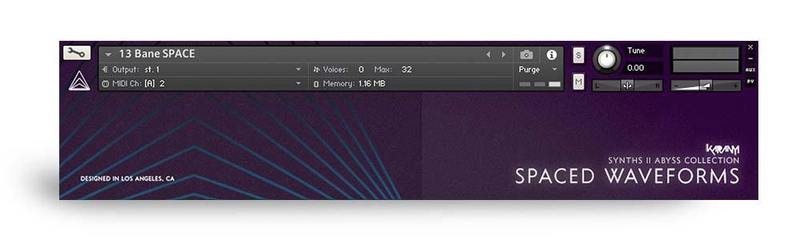
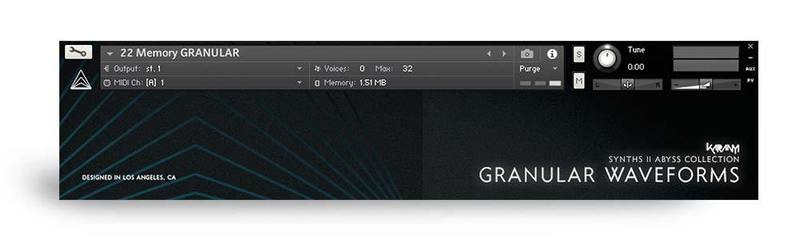
100+ original instrument recordings organised into patches without any software modification.
Summary
- 4 Synth Sources: Inspiring bass patches created on Oberheim Matrix 6 / 1000 & Moog Minitaur / Sub37
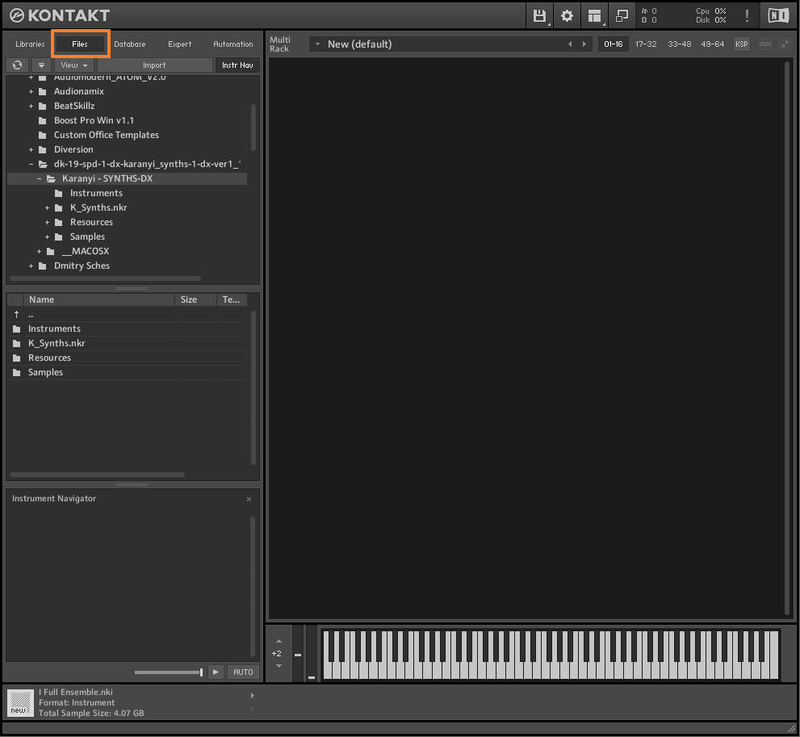
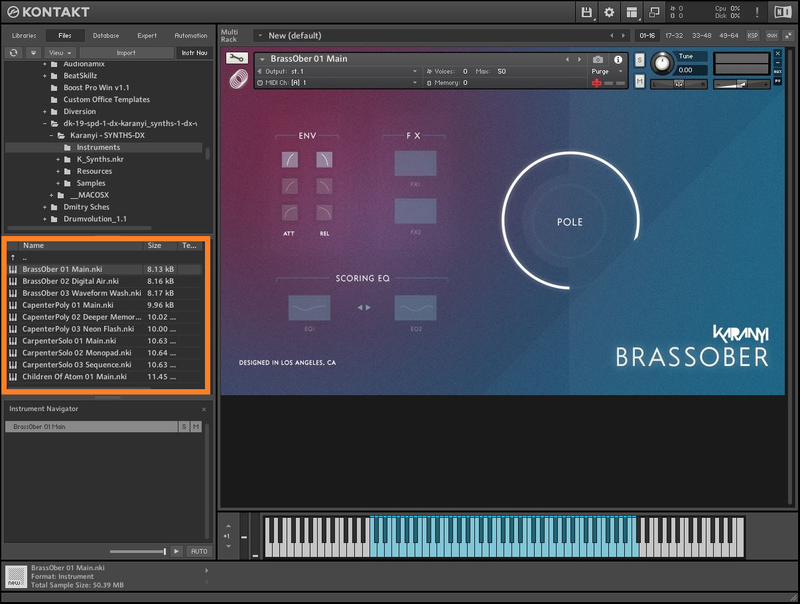
- 230+ Kontakt Presets: Made for fast and effective work: simple-to-use interface for Kontakt 5.7.3+
- High Quality Recording: All samples are recorded in 24bit / 48kHz through UAD Apollo AD converters
- Made in Los Angeles: Sound design, recordings, coding and design are made in Budapest & LA
Content Summary
- 2600+ samples
- 24bit / 48kHz sample rate
- 4.6 GB total size (9.2 GB uncompressed)
- Recorded with Universal Audio Apollo 8p Preamp
- Full version of Kontakt 5.7.3+ required
- Royalty free license
Instrument Controls
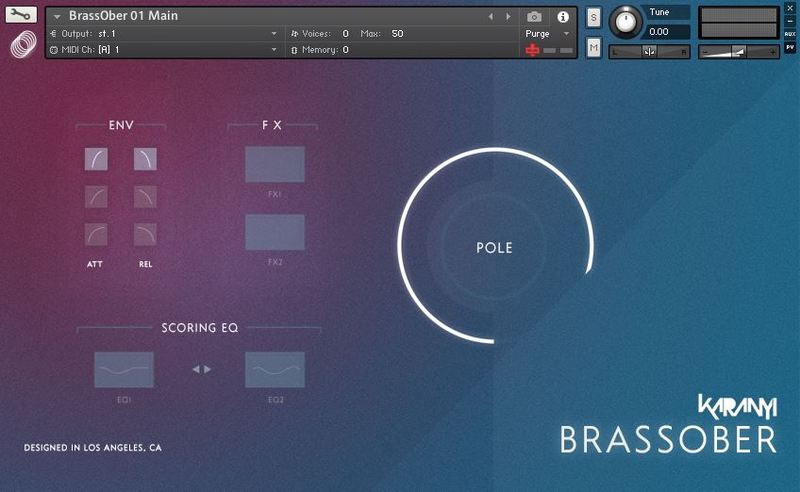
- Envelope selector with 3 Attack & 3 Release stages
- 6 Effects: Phaser, 80s Flanger, Leslie, Delay, Reverb & Ladder Filer (2 effects / Instrument)
- 2 SSL-style EQs: Bass Booster – Mid Attenuator & Mid Attenuator – Hi Booster combo
- Pole wheel for soft sample group blending
- Custom GUI with SYNTHS Engine 2.0
System Requirements
- Windows 7 (latest Service Pack, 32-/64‑bit), Intel Core Duo or AMD Athlon 64 CPU, 2GB RAM.
- Mac OS 10.7 or higher, Intel Core Duo CPU, 2GB RAM.
- 10 GB free disk space for complete installation.
- Full version of Kontakt 5.8.1+ required
Important Note: The Full Version of Kontakt 5.8.1 is required in order to run this software.