Log In

Free gifts available with your purchase
Please note: This is an upgrade to GK Amplification 3 Pro for owners of GK Amplification 3 LE.
Exact Models of Gallien-Krueger Amps and Speakers
Legendary Bass Tones
GK Amplification 3 Pro is the next step in the evolution of this fan-favorite plugin.
With three exceptionally modeled amps, added Smart Gate, Compressor and reworked UI,
GK3 Pro is the most advanced GK amp sim out there.
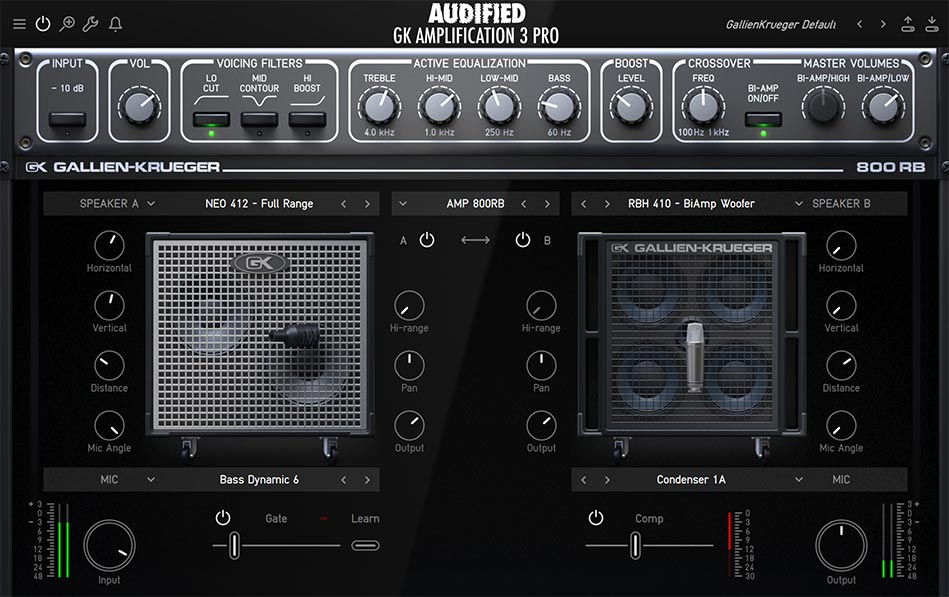
Amplifiers
MB150
Based on a small, portable-yet-powerful combo, it’s perfect for a variety of sounds – from jazz to rock. With extensive EQ controls and voicing filters, you will craft the ideal mix-ready sound in seconds.

2001RB
The amp which defined the classic GK sound, featuring two channels, powerful Bi-amp technology, and EQ and Voicing controls.

800RB
The legend from the 80s which changed the transistor amp game. The flexible tone-shaping, voicing filters, and variable crossover frequency that shapes the sound to perfect mix-ready sound.

Cabinets
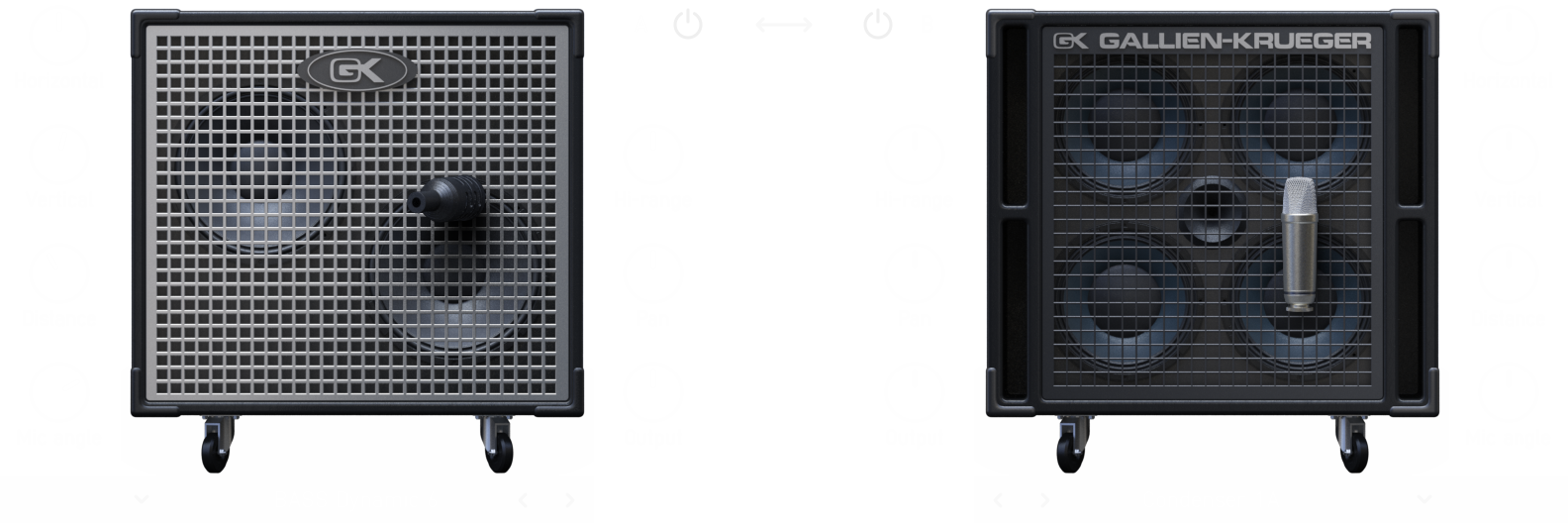
Three matching cabinets, each with both woofer and tweeter options. Compare cabinets easily with the A-B control to find the perfect pair for your desired sound.

Microphones
Exact models of 9 industry standard microphones, used for recording and live playing. Various controls allow you to change the position, angle, and distance of the microphone, giving you even more flexibility when it comes to shaping your sound.
Gate & Compressor
Newly added Smart Gate with an intuitive Learn function sets the perfect threshold in a few seconds. Compressor with simple control, tuned to sound good in every situation – from your home studio to gigging.
Tuner
Stay pitch-perfect with a built-in tuner.

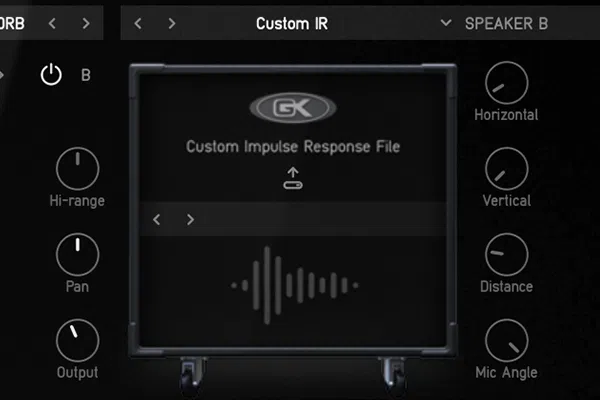
IR Loader
Import custom IRs for unmatched audio depth and precision.
System Requirements
Mac
- macOS 10.11 - macOS 12 Monterey (Intel / M1 Apple Silicon supported) (64-bit only)
- AAX, AU, VST3
Windows
- Windows 7 - Windows 11 (64-bit only)
- AAX, VST3