Log In

Free gifts available with your purchase
Power Your Guitar and Bass
To mix any rock band you need to cover all kinds of guitar sounds. From acoustic guitar to roaring electric guitars and basses. United Guitar Bundle covers them all. All premium guitar plugins are packed into this nice parcel. It contains United Plugins' all-in-one electric guitar solution - Electrum, and the ultimate and fast acoustic guitar mixing plugin QuickAG. QuickBass gives you a chance to come up with a great bass guitar sound within a second and Bassment delivers bass amp simulation par excellence. Also, everybody who records their guitars without a propper DI box will love DIFIX. Last but not least the bundle gives you access to the lightweight "Core" versions of Electrum and Bassment. As said before, all guitar areas are covered.
Electrum
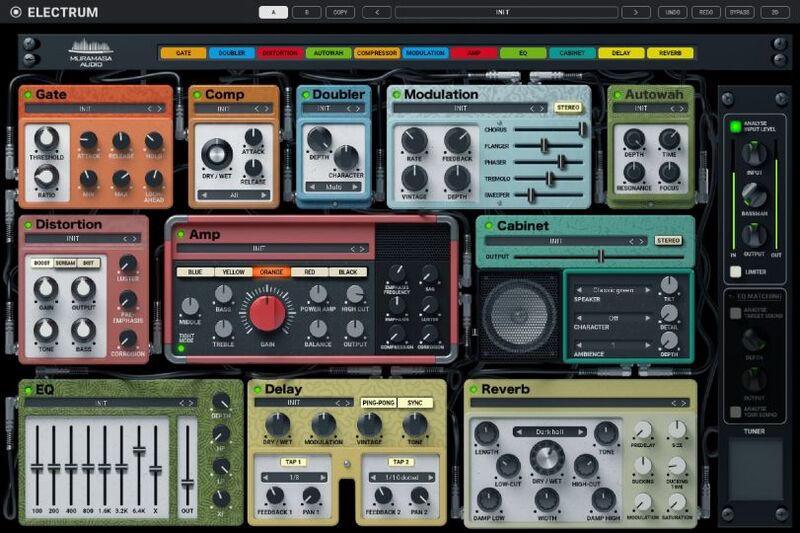
The mother of all guitar amps
Electrum is the all-in-one single-screen guitar solution. The last amplifier and pedalboard your guitar will ever need. It matches any guitar style or technique. Rhythm guitar or solo. From jazz to modern metal. Achieve perfect sound for any electric guitar quickly and easily with all options available within a single window.
Learn more about Electrum.
Bassment
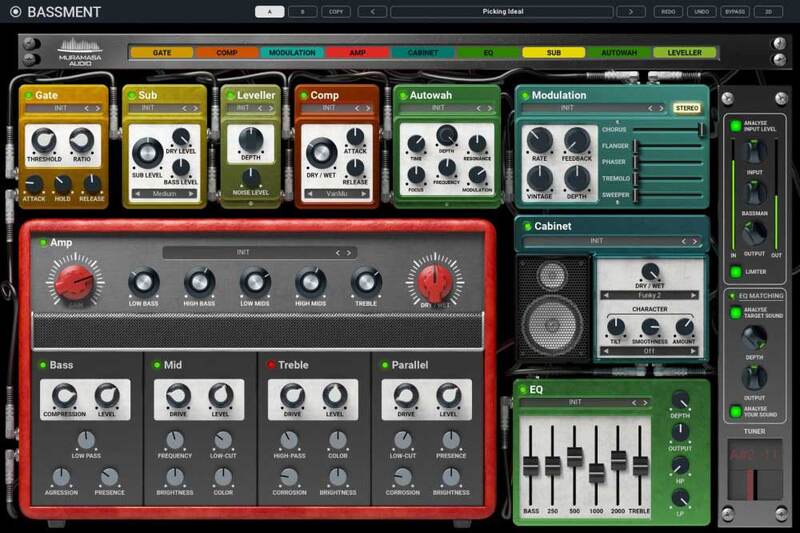
Bass is the base
Of course, Bass is the fundament of music. And when guitarists got their Electrum, United Plugins simply had to create Bassment. They built a multi-effect all-in-one one-screen bass solution around the most flexible bass amp that was ever made. An amp that contains them all. You wish you could have this beast on stage. Dream on, it won't happen. But you can still use it to get the most of your mixes.
Learn more about Bassment.
QuickAG
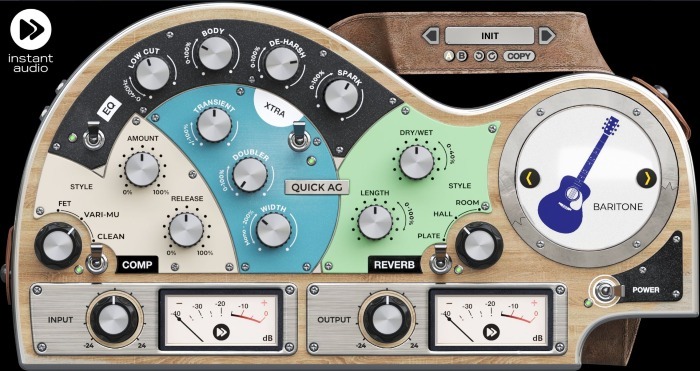
Bigger, better, brighter, smoother
Although it looks easy, mixing acoustic guitar, ukulele or mandolin is a very hard job. So many things can go wrong. That's why United Plugins created Quick AG - the shortcut to the perfect and natural acoustic instruments sound.
Learn more about QuickAG.
QuickBass
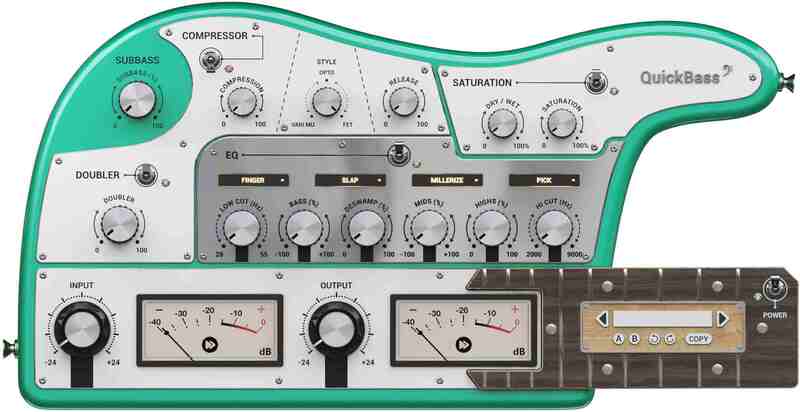
It's all about that bass (and some treble)
Bass is usually considered to be the coolest of all instruments. Mainly by the bassists. Recorded with a good DI, a fine bass often sounds perfect as you get it and needs just a little push here and there. And that is why United Plugins came up with QuickBass. To give you the quick EQ, quick compression, quick saturation, and fatness in no time. QuickBass is the ultimate bass polisher and finalizer.
Learn more about QuickBass.
DIFIX
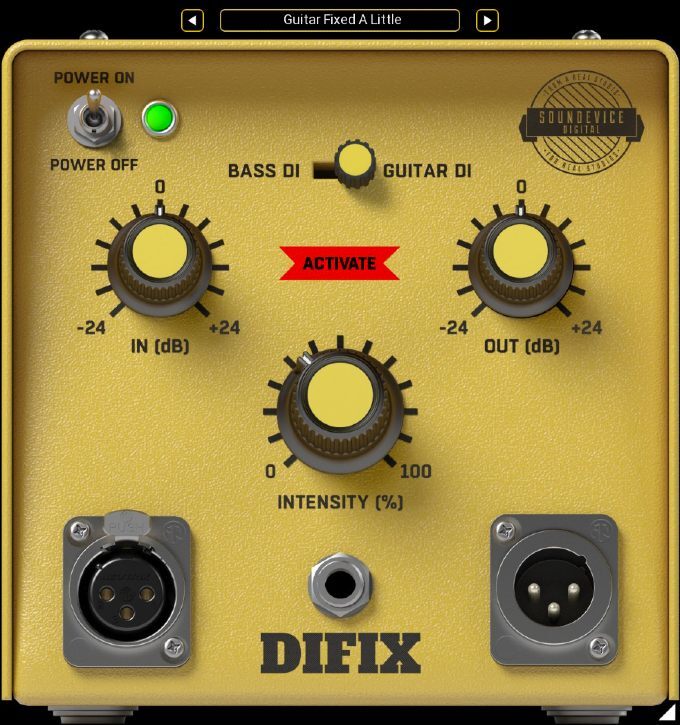
Fix your recording hardware imperfection
A lot of sound cards claim to have a Hi-Z instrument input. But in reality, the input impedance is not high enough to make your pick-ups work properly. And that has a displeasing effect on your instrument‘s signal. If you use one of these types of soundcards, you definitely need DIFIX to make your directly recorded guitars or bass sound right.
Learn more about DIFIX.
System Requirements
Mac
- macOS 10.10 and newer (Apple M1 Silicon supported) (64-bit only)
- Intel / AMD processor with SSE2 support
- VST2, VST3, AAX or AU compatible host
Windows
- Windows 8 and newer (32 or 64-bit)
- Intel / AMD processor with SSE2 support
- VST2, VST3 or AAX compatible host
Scott Yahney
New York-based producer, writer and keyboard player.
"This beast can do it all and everything is at your fingertips with only one menu. This thing sounds freaking awesome. A definite must-have in your toolbox..."
Scott Yahney
New York-based producer, writer and keyboard player.
"This is my new go-to bass plugin. From jazz to Funk to Rock to metal, I can get any tone I need plus a wonderful heaping of analogue tone thrown in."
Nick Bassett
American musician, producer and composer.
"It handles multiple tasks in a single, easy to use interface - and performs them surprisingly well."